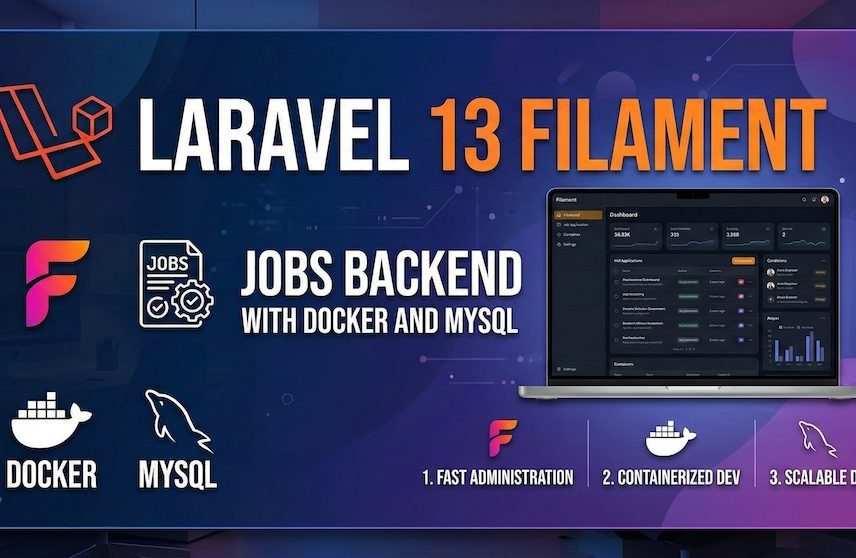
If you want to build a practical jobs backend in Laravel, a strong starting point is Laravel + Filament + MySQL with Docker for local development.
That is the setup used in this project.
The stack includes:
- Laravel 13
- Filament 5
- MySQL 8
- Docker Compose
- cPanel-friendly deployment defaults
This article is a compact reference for how the setup was built and why certain decisions were made.
Repository:
https://github.com/ipint/JobList
Why This Stack
The goal was to build a backend that could:
- run locally with Docker
- use MySQL locally and in production
- provide a fast admin panel for jobs management
- deploy cleanly to a dedicated cPanel server
- avoid needing Redis or Supervisor at the start
Filament was chosen because it gives Laravel a fast, maintainable admin panel. Laravel was chosen because the production target is PHP 8.3 on cPanel, so the ecosystem fits well.
Local Setup Approach
The local Docker stack is simple:
- PHP-FPM app container
- Nginx container
- MySQL container
This keeps development predictable and close to production.
One practical issue came up during setup: common local ports were already in use, so the app was exposed on:
http://localhost:8088
Important Early Decision: Queue Table Naming
Laravel’s default database queue uses a table named jobs.
That would conflict with the actual jobs domain table needed for job listings.
To avoid that, the queue tables were renamed to:
- queued_jobs
- failed_queued_jobs
That kept the data model clean from the start.
PHP Version Compatibility
Production is expected to run on PHP 8.3.
At one stage, Composer resolved packages using local PHP 8.4, which caused dependency problems inside Docker and would also have caused issues on cPanel.
The fix was to pin Composer’s platform to PHP 8.3 so the lockfile stays aligned with the real deployment environment.
Filament Admin Setup
Filament 5 was installed as the admin layer and mounted under:
/admin
That provided:
- login
- dashboard
- resource routing
- the structure needed to manage jobs properly
Jobs Schema
A proper jobs table was created with fields such as:
- title
- slug
- reference
- company name
- department
- description
- requirements
- benefits
- employment type
- work mode
- experience level
- status
- county
- city
- postcode
- salary fields
- application URL and email
- sponsorship and right-to-work flags
- publish and expiry dates
- featured flag
This gave the project a realistic jobs domain rather than just an empty admin shell.
UK Counties Dropdown
The project requirement was to always select a county from a dropdown.
To support that, the setup added:
- a uk_counties table
- a UkCounty model
- a UK counties seeder
- a county_id foreign key on jobs
This means counties are not hardcoded inside the form. They come from the database, which makes maintenance easier later.
Filament Jobs Resource
The generated Filament stubs were replaced with a proper Jobs resource.
The admin now includes:
- a create/edit job form
- a searchable jobs table
- filters for status, type, work mode, county, and featured jobs
That makes the panel usable as a real internal admin, not just a demo.
Seeded UK Jobs
To make testing easier, the setup also includes:
- a JobFactory
- a JobSeeder
- 30 generated UK jobs
The jobs use random departments such as:
- Technology
- Sales
- Marketing
- Finance
- Operations
- Product
- Customer Support
- Legal
This makes the admin panel useful immediately for testing and demonstration.
cPanel Deployment Strategy
The production target is a dedicated cPanel server running PHP 8.3, without Redis or Supervisor.
Because of that, the setup uses:
- database queue
- database cache
- database sessions
- cron-based scheduling
- cron-based queue processing if needed
That keeps the architecture realistic for the hosting environment.
Issues Encountered During Setup
A few practical problems came up:
1. Laravel could not be scaffolded directly into the repo root
The repo was not empty, so Laravel had to be created in a temporary subdirectory first.
2. Docker port conflicts
Ports 8000 and 8080 were already in use, so the final local port became 8088.
3. Composer resolved dependencies for PHP 8.4
That had to be corrected by pinning the Composer platform to PHP 8.3.
4. Filament 5 namespace differences
One form error came from using the wrong namespace for Section. In Filament 5 it needed to come from Filament\Schemas\Components.
Final Result
The finished setup gives:
- Laravel 13 backend
- Filament 5 admin panel
- MySQL Docker environment
- UK counties lookup
- jobs management resource
- 30 seeded jobs
- cPanel-friendly deployment path
That is a solid base for adding more features later, such as:
- companies
- categories
- applications
- saved jobs
- public jobs APIs
- frontend job listing pages
Closing Note
The most important part of this setup is not that it is advanced. It is that it matches the actual environment and future needs.
That includes:
- matching local and production database choices
- keeping Laravel upgrades manageable
- using Filament as an admin layer, not as the whole application
- making location data structured from the start
If you are building a similar platform, this is a strong practical foundation to start from.
Repository:
https://github.com/ipint/JobList